Voice control with Homematic IP
Would you like to switch on the light on request and set a pleasant temperature without lifting a finger? By adding speakers with integrated voice assistance, the functions of many Homematic IP devices can be conveniently controlled with voice commands right away*.
For example, in addition to controlling lights and heating, which can also be done in switch groups, you can raise and lower shutters by voice. Put simply, a voice command is often faster than reaching for your smartphone, opening the app and entering the desired temperature manually – a convenience appreciated by people of all ages.
Alexa compatibility
Voice-controlled speakers from Amazon such as Echo or Show (the version with a display) let you easily control Homematic IP devices right from the sofa.
“Alexa, set the living room to 23 °C.”
Voice control via Amazon Alexa is already very sophisticated and offers the user many command and control options.
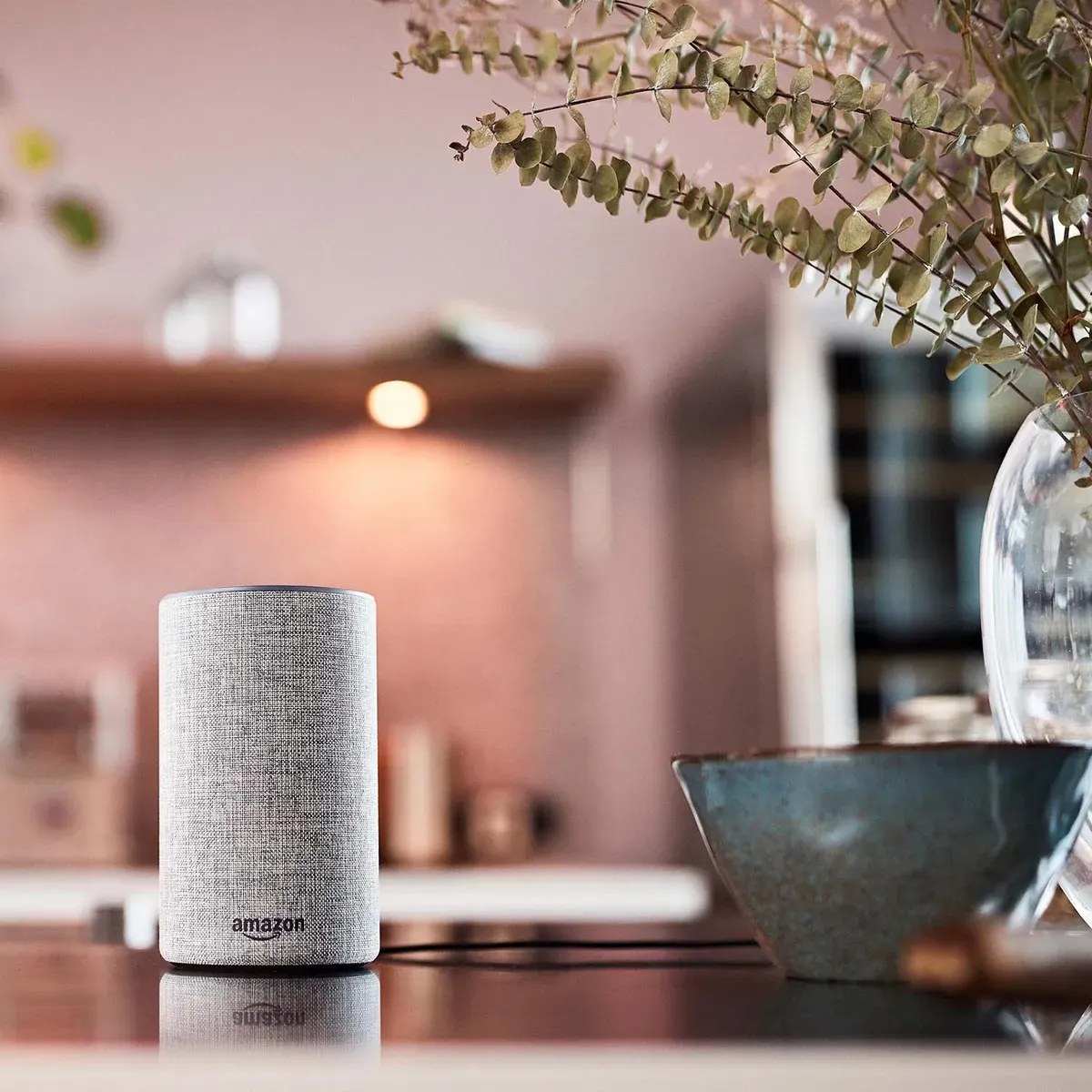
How to connect your smart home system to Amazon Alexa
For the basic configuration, the user creates an Amazon account and installs the Amazon Alexa app on their smartphone. The devices can then easily be controlled using the Homematic IP Skill activated in the app.
You will find detailed setup information in our user manual.
- Open the Homematic IP app.
- Go to More… > Voice control and other services > Amazon Alexa.
- Choose Pair with Alexa in one tap (automatic process) and then Pair with Alexa.
- Enter your administrator PIN (if set) and tap Verify.
- Tap Link to activate the Alexa Skill.
Google Assistant integration
Voice control via Google can be used with speakers such as Google Home, Google Nest or speakers from other manufacturers, or directly via the Google Assistant smartphone app.
- “Hey Google, is the bathroom window closed?”
- “OK Google, lock the door.”
The range of scenarios available for Google Assistant is constantly growing.
How to connect your smart home system to Google Assistant
To use your Homematic IP smart home system with Google Assistant, you need a Google account and the free Google Home app. You can then control the Homematic IP system with many smart speakers.
You will find detailed setup information in our user manual.
- In the Homematic IP app menu, select “Voice control and other services” – “Google Assistant/Home”.
- Tap “Pairing” and copy the activation key.
- Switch to the Google Assistant or Google Home app and set up the new devices via the menu.
- Select Homematic IP, paste the activation key and confirm the link with the Homematic IP Cloud.